One branded app, every device. No IPTV Smarters, no TiviMate, no Xtream Codes. Just download CatchON TV, enter your activation code, and stream.
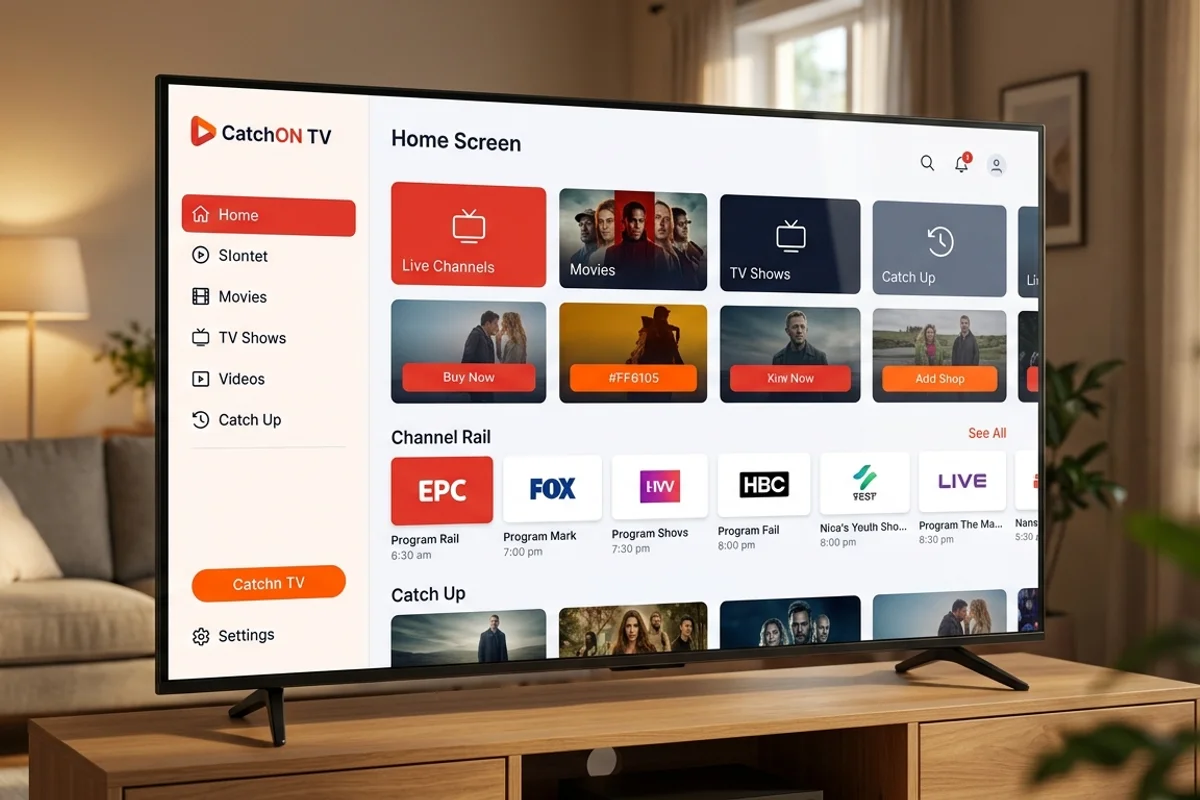
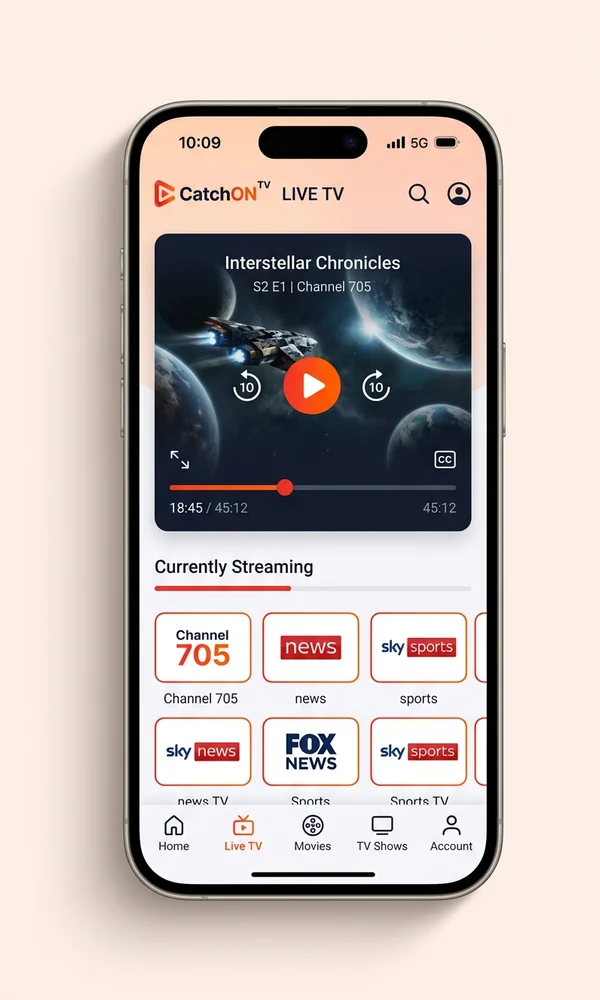
The CatchON TV app is purpose-built for our service. You skip the multi-step logins, the manual EPG feeds, and the forum-thread troubleshooting that come with generic players.
| Feature | CatchON TV App | IPTV Smarters / TiviMate |
|---|---|---|
| Setup | Single tap (activation code) | Multi-step Xtream Codes login |
| EPG (TV guide) | Built-in, auto-updating | Depends on third-party feed |
| Anti-buffer tech | Native CDN routing | Generic |
| Updates | Automatic | Manual sideload |
| Support | First-party | Third-party forums |
Pick your device below. Each guide walks you through getting the CatchON TV app installed, entering your activation code, and reaching live TV in three short steps.
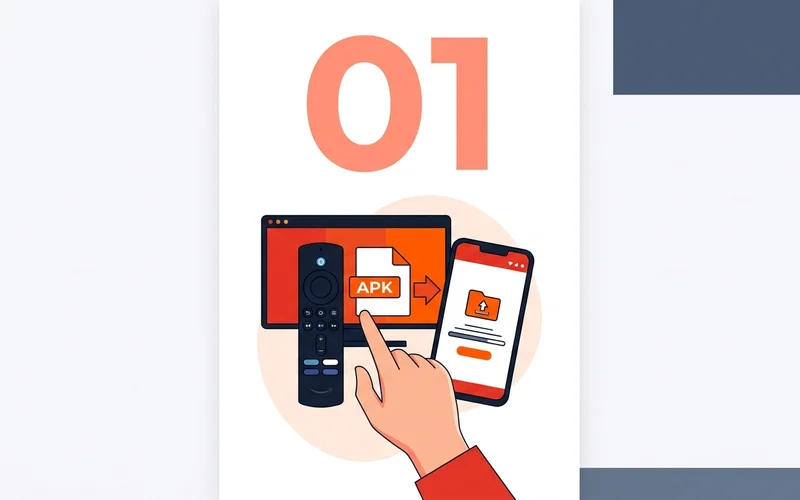
Sideload the CatchON TV APK or open the web player on iOS / Mac / Windows.
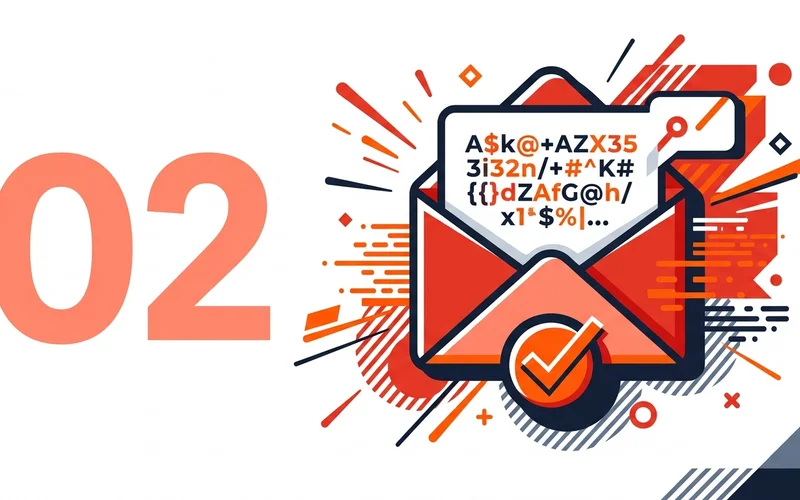
Open the CatchON TV app and enter the activation code from your welcome email.
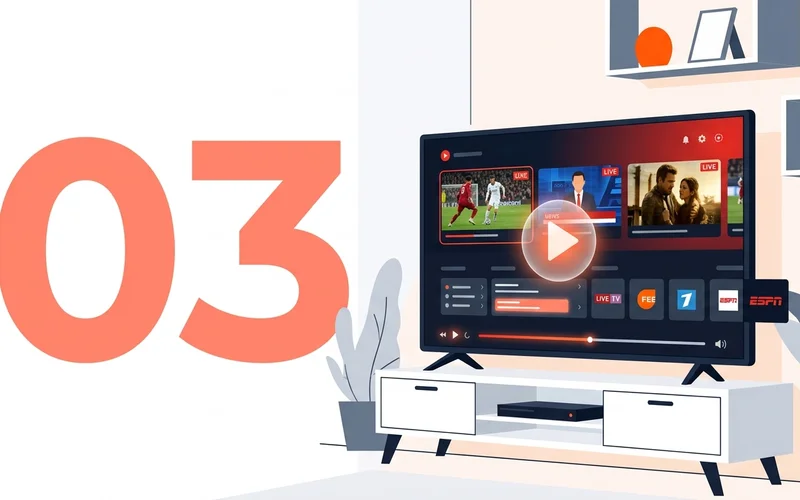
Channels, EPG, and on-demand load instantly with built-in anti-buffer routing.
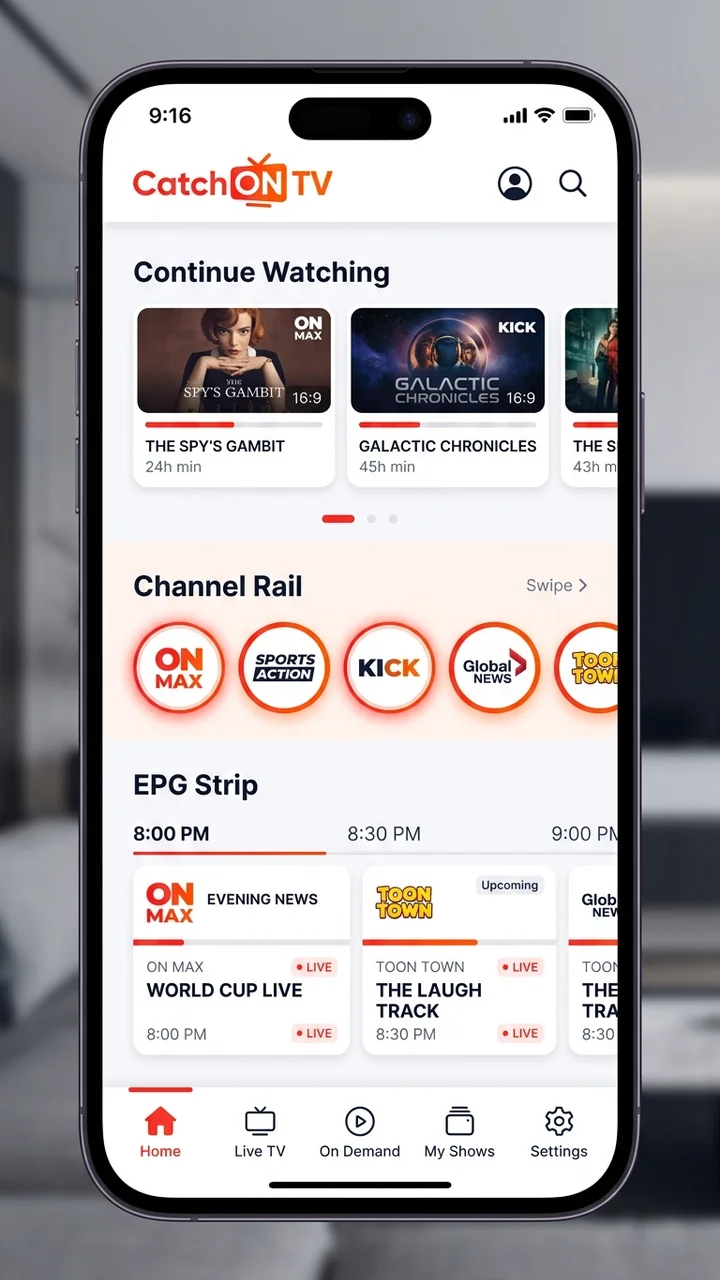
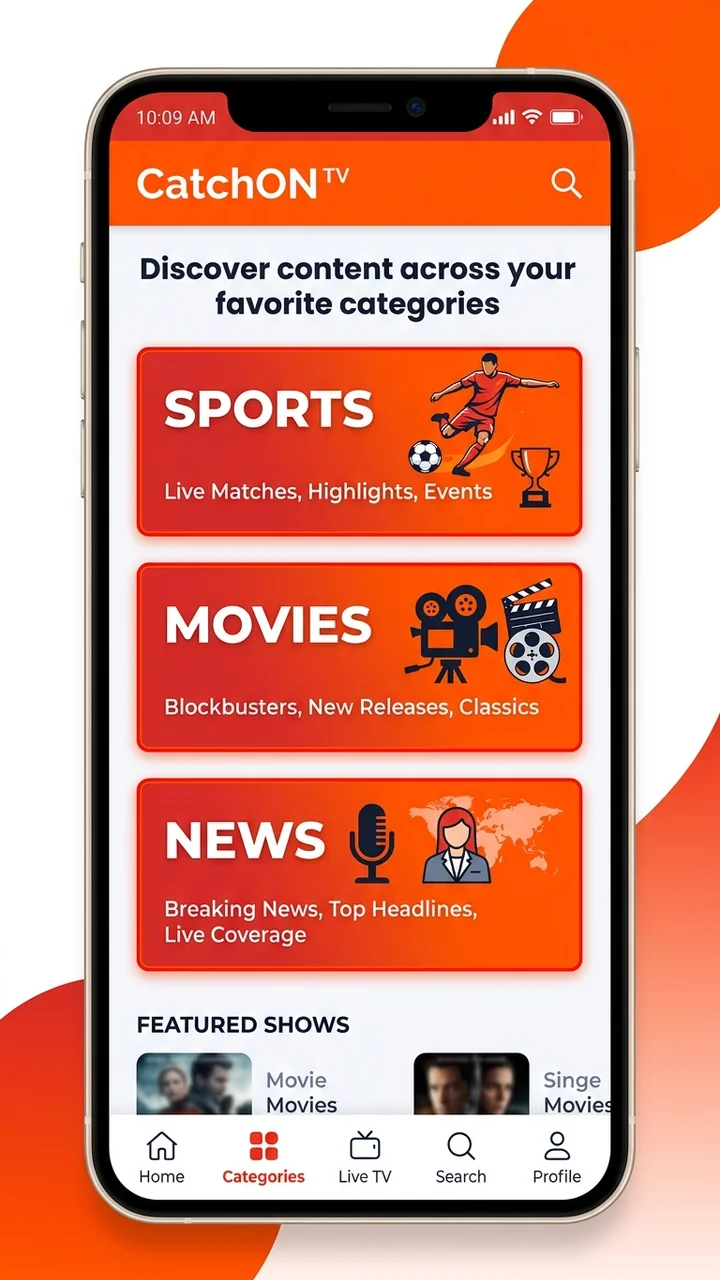
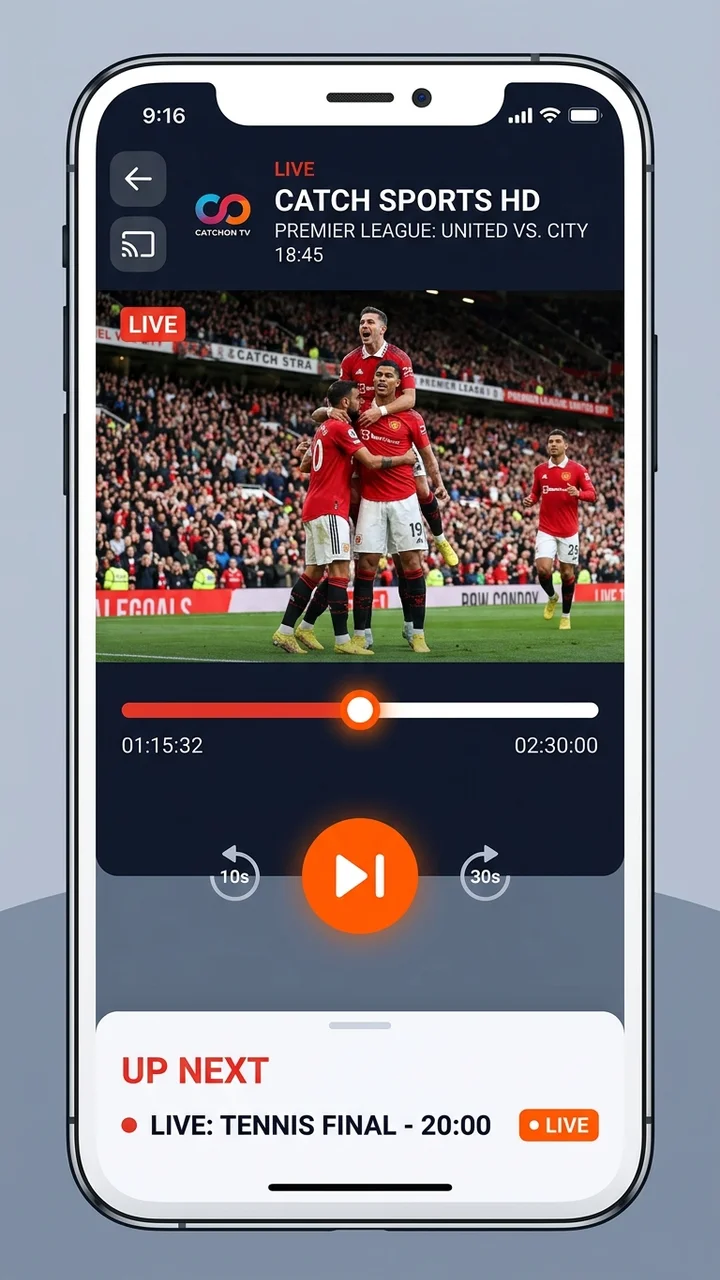
Firestick is the easiest way to run the CatchON TV app on a TV. You'll install the free Downloader app from the Amazon Appstore, then sideload the CatchON TV APK in under three minutes. Compatible with Fire TV Stick Lite, 4K, 4K Max, and Fire TV Cube.
Note: the CatchON TV app APK link is delivered with your activation code so each install is tied to your account.
Sideload the CatchON TV app on Nvidia Shield, Chromecast with Google TV, Xiaomi Mi Box, and any other Android TV or Google TV device. The CatchON TV app is optimized for D-pad navigation and 4K HDR playback.
Note: a wired ethernet connection on your Android TV is recommended for the smoothest CatchON TV app experience.
Install the CatchON TV app directly on any Android phone or tablet running Android 7 or later. Picture-in-picture, mobile data optimization, and Chromecast support are all built in.
Note: the CatchON TV app uses adaptive bitrate so it stays smooth on 4G and 5G mobile networks.
Run the CatchON TV web app right inside your Smart TV's browser, or sideload the CatchON TV app via USB on developer-mode-enabled LG and Samsung televisions.
Note: USB sideload of the CatchON TV app requires LG/Samsung developer mode (a free, reversible setting).
Honest answer: Apple rejects branded streaming apps like ours from the App Store, so the CatchON TV app is delivered as a fast, fullscreen web player on iOS. You'll add it to your home screen in one tap and it behaves like a native app — no jailbreak, no TestFlight expiry.
Note: AirPlay from the CatchON TV web app to Apple TV works exactly like a native iOS app.
On Windows 10/11 and macOS the CatchON TV app runs as a polished web player in any modern browser — Chrome, Edge, Safari, or Firefox. No installer, no admin rights, no fuss.
Note: the desktop CatchON TV app supports keyboard shortcuts for channel switching and fullscreen.
The CatchON TV app isn't published on Google Play or Apple's App Store — both stores reject branded live-TV apps. Instead we ship the CatchON TV app as a sideload APK for Android / Firestick / Android TV and as a fast web player for iOS, Windows, and Mac. The download link arrives with your activation code.
Install the free Downloader app from the Amazon Appstore, enable Apps from Unknown Sources in Settings > My Fire TV > Developer Options, and paste the CatchON TV APK URL from your welcome email into Downloader. Tap install, open the CatchON TV app, and enter your activation code.
Start a 24-hour free trial or pick a plan on the pricing page. Your activation code is emailed to you within minutes along with the CatchON TV app APK link. If you can't find the email, check spam or contact [email protected].
Yes. Because Apple rejects branded streaming apps from the App Store, the CatchON TV app on iOS is a fullscreen web player at catchontv.online/play. Add it to your home screen from Safari and it behaves like a native app — full AirPlay support to Apple TV included.